|
|
|
|
|
|
Answers Database
FPGA Express v1.2/Foundation 1.3: Simulating with FPGA Express v1.2 HDL and F1.3 Logic Simulator
Record #3018
Product Family: Software
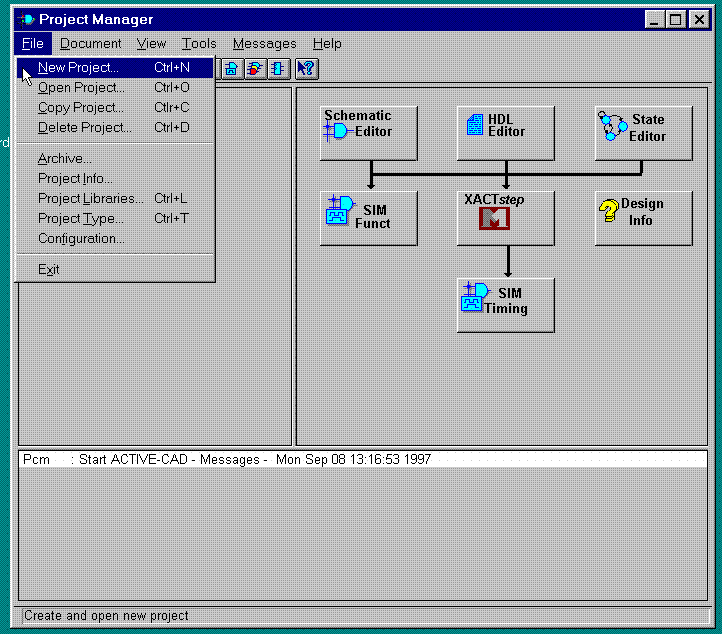
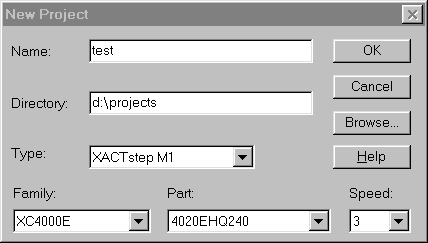
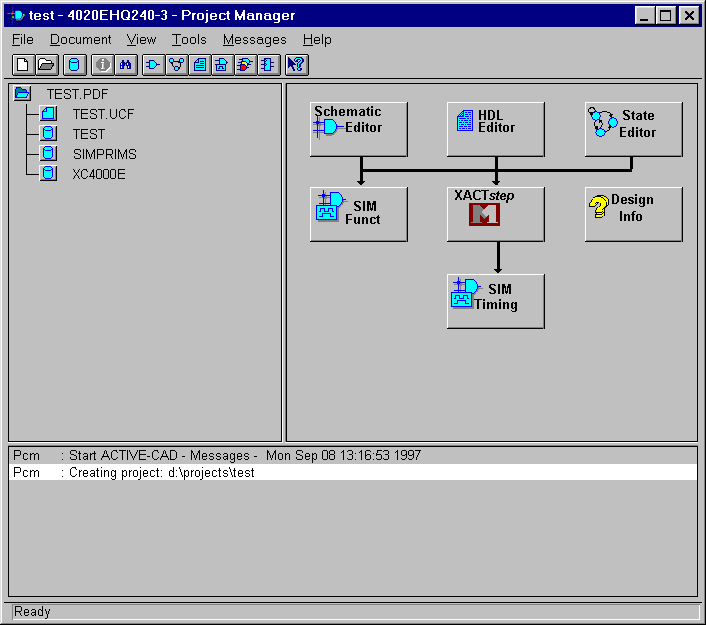
(2) Select File->New Project to create a new project in the directory of choice.
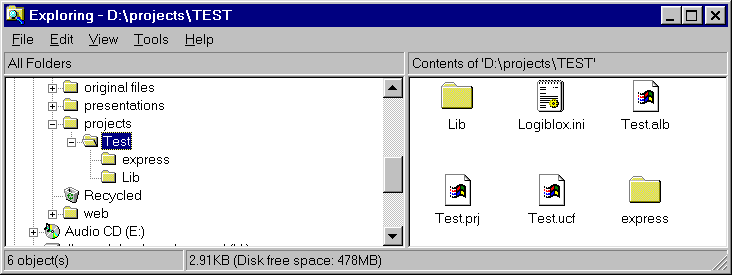
(3) Using the Windows Explorer, create a subdirectory called 'express' inside the directory where the Foundation project was created.
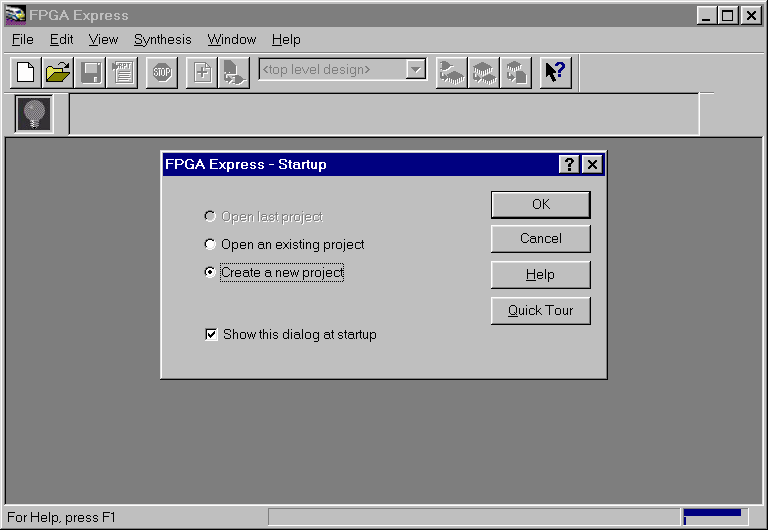
(4) Using the Explorer, copy all the HDL files inside the 'express' subdirectory. Create any additional/new HDL files within this directory, too. (5) Start FPGA Express and create an FPGA Express project inside the 'express' subdirectory.
(6) Add files to the FPGA Express project from the 'express' directory. 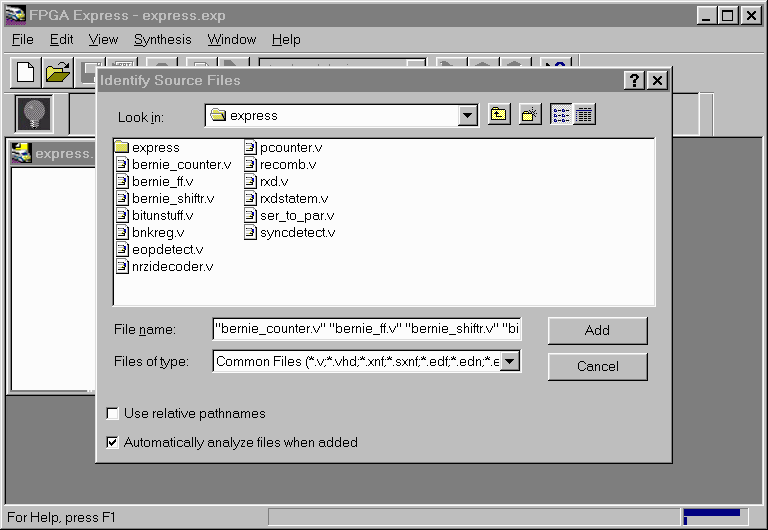 Figure 7- Adding HDL files to a FPGA Express Project Solution 2: Timing Simulation using the Foundation Logic Simulator (1) Create a Foundation-Express project. See Resolution 1. (2) Place and route the design. In the Flow Engine, make sure that the 'Product Timing Simulation Data' is selected. If it is not, select Setup->Options and check this option. 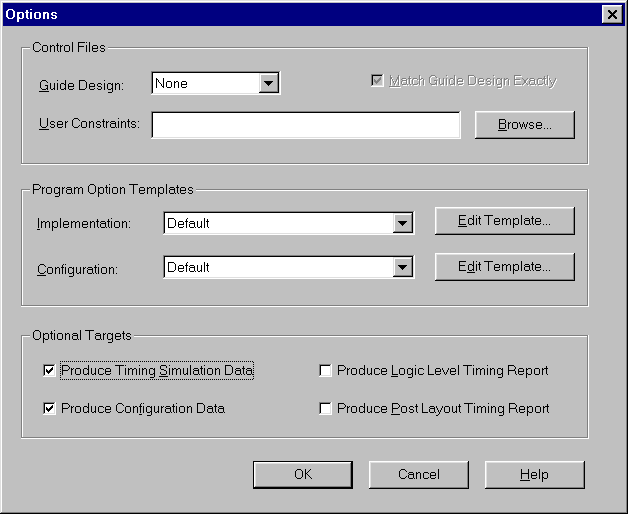 Figure 15- Creating Timing Simulation Data (3) After placing and routin the design in the Design Manager, return to the Foundation Project Manager and select Tools->Checkpoint Simulation. (4) Select the appropriate <design>.nga file. (5) Foundation will automatically translate this back-annotated timing netlist to an EDIF File, and load the simulator. Solution 3: Using the Foundation Logic Simulator to Functionally Simulate an FPGA Express-based Design (1) Create a Foundation-Express project structure. See Resultion 1. (2) When generating the XNF file from FPGA Express, make sure that the XNF file is saved into the Foundation-Express project directory. In this example, this directory is d:\projects\test. When using the Foundation Logic Simulator for functional simulation, there are two possible flows to use, depending on whether the design's top-level is HDL, or Foundation schematic. Flow#1: Simulate a Foundation Schematic with instantiated XNF modules from FPGA Express (1) Create XNF files from Express for use in a Foundation schematic. See (Xilinx Solution 3013). (2) To functionally simulate the design, invoke the Foundation simulator by clikcing the 'SIM Funct' button in the Foundation Project Manager, and simulate as with any other Foundation design. Flow#2 Simulate a Top-level HDL Express Design usin the Foundation Logic Simulator (1) Invoke the Xilinx M1 Design Manager from the Xilinx Program Group. (2) Create a new project, using the XNF file from Express as the input file. (3) Create a new version and then a new revision, bu selecting Design ->New Version, then Design->New Revision from the Design Manager. 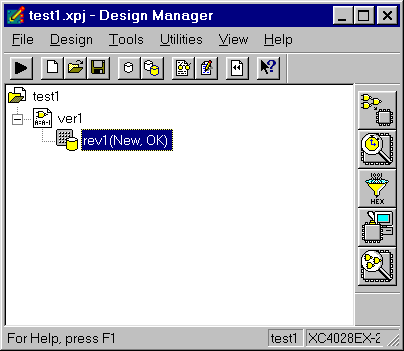 Figure 8- New Version and Revision created (4) Run the Flow Engine and stop after 'Translate'. 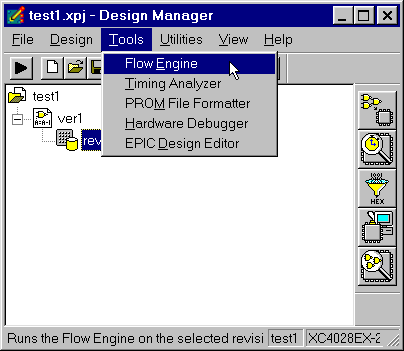 Figure 9- Run the Flow Engine 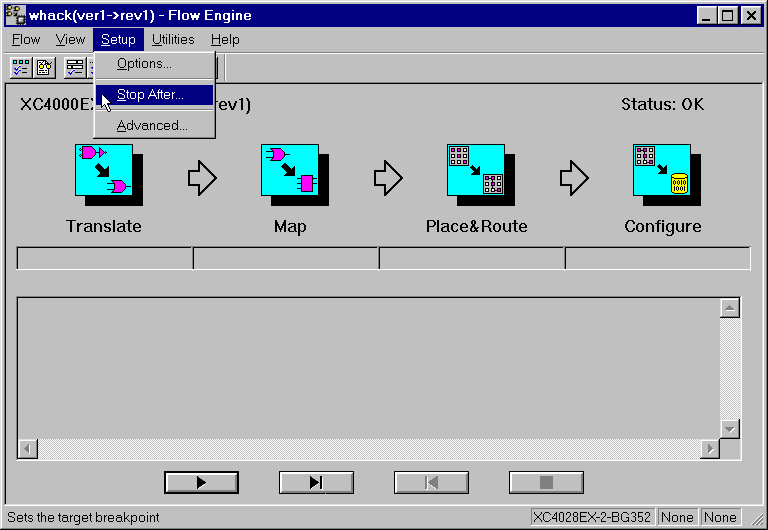 Figure 10- Set the Flow Engine to 'Stop After' Translate 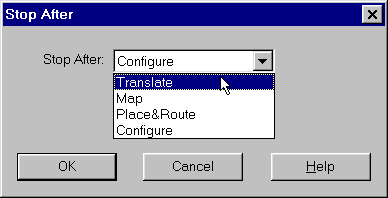 Figure 11- Setting the Flow Engine to 'Stop' 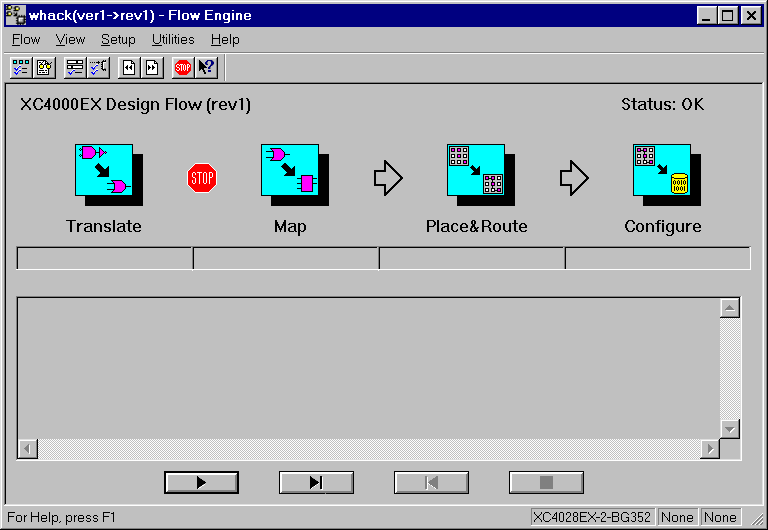 Figure 12- Flow Engine set to 'stop' after Translate (5) Now, hit the 'play' button in the Flow Engine. (6) When the Flow Engine is finished, go back to the Foundation Project Manager and select Tools->Checkpoint Simulation. An ngd file will appear in the Checkpoint Simulation Window. The file name has the same nae as the device family of the project. The extension is .ngd. In this example, since the project's device family is the 4000EX, the .ngd file created was XC4000EX.ngd. 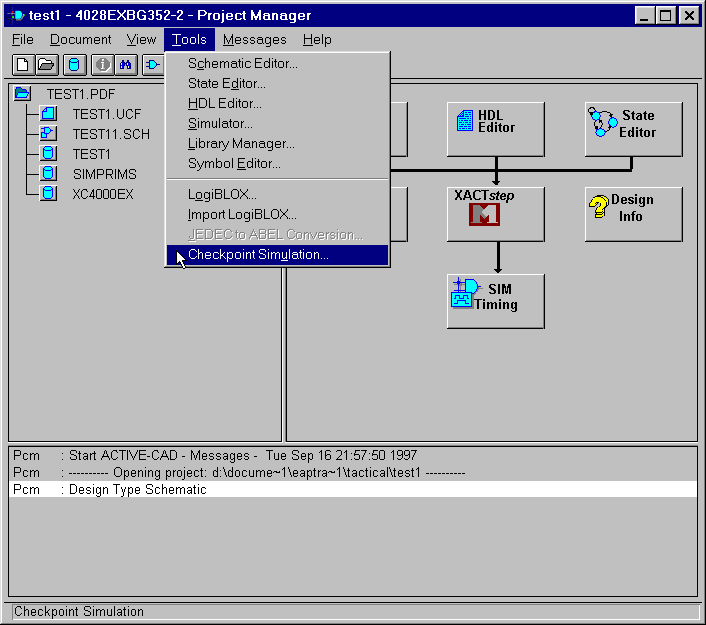 Figure 13- Checkpoint Simulation (9) After selecting 'OK' in the Checkpoint Simulation Window, the Project Manager will indicate that ngd2edif is running. When ngd2edif is finished, the Foundation simulator will automatically start. Proceed with simulation by selecting the signals to stimulate with Signals->Add Signals. The signals listed will correspond to the top-level entity ports in VHDL, or top-level module ports in Verilog. For more information on using the Foundation Simulator, consult the Foundation Online Help. 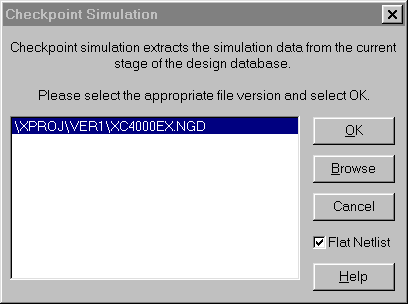 Figure 14- Select 'OK" to convert .ngd file to EDIF End of Record #3018 - Last Modified: 08/19/99 09:28 |
| For the latest news, design tips, and patch information on the Xilinx design environment, check out the Technical Tips! |